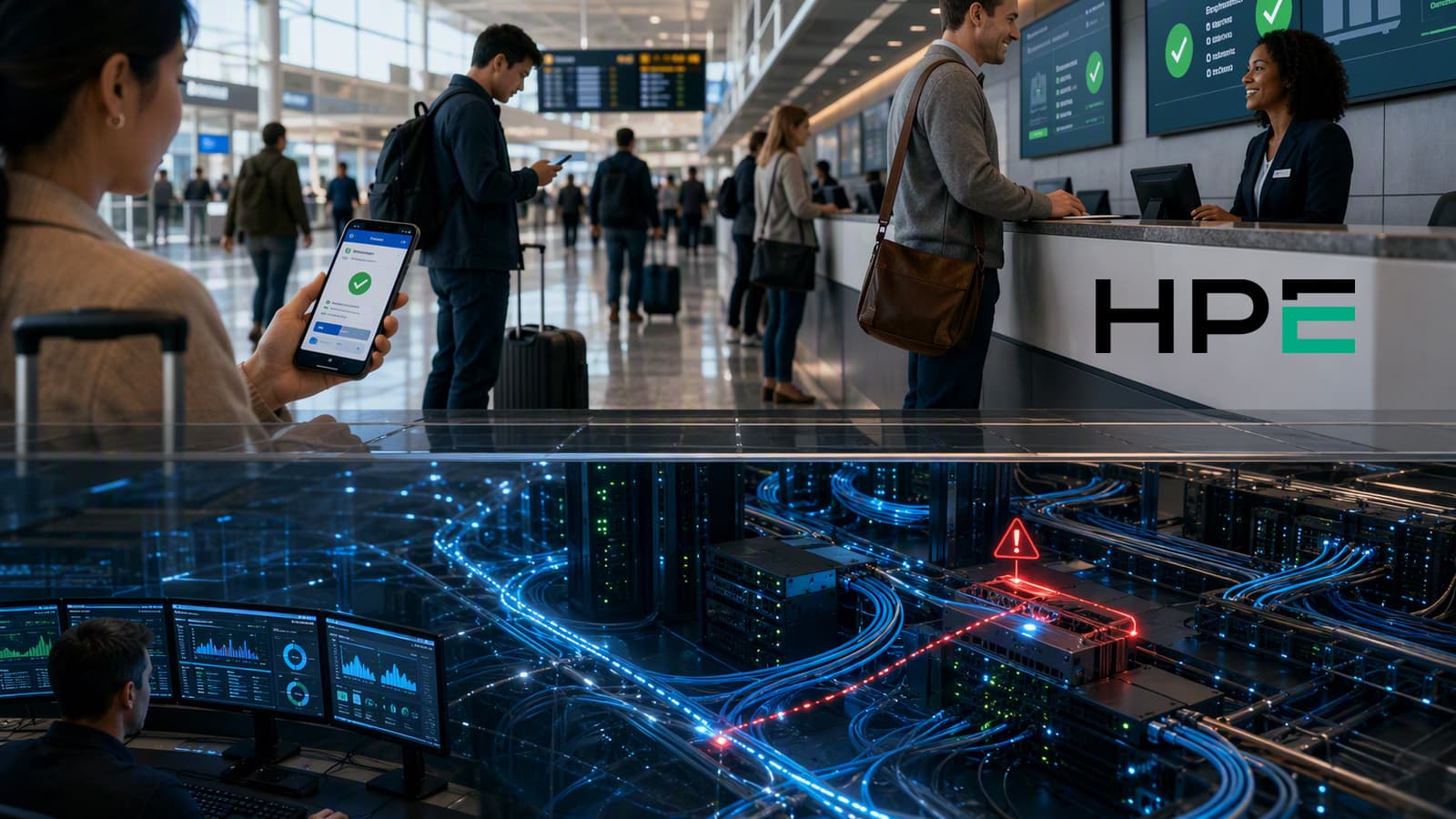


CX failures are sneakier than most companies realize. Everyone’s sitting around waiting anxiously for a big outage to throw them into chaos, while casually ignoring the evidence of CX performance degradation building up all around them.
We’ve started to become a bit numb to all the things that “seem” small, but actually have a bigger impact on customer experience than you’d think. Things like a glitching bot, a few extra seconds on a record lookup, or a transfer that technically works, but dumps the customer into a fresh conversation with none of the context.
Those things are easier to wave off than a big outage for a while. That’s where slow system failures in CX get dangerous. They blend into daily operations. People adapt. They compensate. They call it manageable. Then one day, the business realizes it has been defending CX stability issues as if they were normal service conditions.
Further reading:
- How to Improve Contact Center Reliability
- What the Latest Reports Reveal About CX Reliability
- CX Observability Explained
What Defines Performance Degradation In Service Systems?
An outage is obvious. The service is down, or broken badly enough that nobody can pretend otherwise. Performance degradation is different. The system still works, technically, but it’s getting slower, less responsive, or less dependable over time. It hasn’t gone dark. It’s just getting worse.
It’s just operating below the level the business expects, below the level customers tolerate, and often below the level service teams promised in the first place.
You might see:
- Calls connect, but audio quality drops
- Bots answer, but can’t complete the task
- Agents get the record, but too slowly to keep the conversation smooth
- Transfers happen, but context disappears
- Authentication works for some users and fails for others
- Checkout is live, but timing out for a slice of users
- Pages load, but far slower than normal
- Data appears, but it’s stale, empty, or wrong
What makes it all even trickier is there isn’t one single cause. Sometimes it’s a lot of smaller problems working together. Issues like:
- Resource contention across CPU, memory, or network bandwidth
- Database queries that get slower as volume grows
- Third-party dependencies that drag down the main journey
- Code changes that introduce regressions
- AI or automation layers working off the wrong data or outdated assumptions
- Systems returning partial, delayed, or low-confidence results
That’s part of why CX degrades over time. The decline builds through accumulation. One dependency slows down. Then another. Then the journey starts dragging long before a classic incident alert fires.
Why Do Slow CX Failures Go Unnoticed?
A lot of gradual service failures stay invisible because they don’t look dramatic enough to deserve escalation. They look like friction, delay, misrouting, retries, stale data, and lost context. Everyone feels the drag. Almost nobody labels it a failure.
The Illusion Of Healthy Metrics
Most traditional monitoring was built to track infrastructure health: uptime, API response times, server status, maybe a few backend errors. It wasn’t built to tell you a customer hit a slow checkout path, got stuck in a broken flow, or gave up halfway through a task that looked technically available from the inside.
Forrester’s 2025 CX Index found CX quality falling for the fourth straight year, even as companies kept spending on analytics, automation, and AI. The stack gets more expensive while the experience keeps getting worse; the measurement model is off.
It gets worse when the pain is uneven. A journey might fail only for one region, one browser, one device type, or one customer segment. Those problems disappear in aggregate reporting. The dashboard stays green. The customer still leaves.
Where does monitoring fail to detect decline?
Traditional monitoring is good at telling you a system is up. It’s much worse at telling you a customer got stuck halfway through an authentication flow, or that a transfer completed without carrying context, or that an agent lost ten seconds waiting for a CRM lookup, or that a chatbot-to-human handoff forced the customer to start over.
Those are hidden performance issues CX teams live with every day.
A lot of organizations still measure channel by channel, not journey by journey. So the chatbot session looks “handled,” the email follow-up looks “sent,” the phone call looks “resolved,” and nobody steps back to admit the customer had to cross three channels to get one answer. Internally, the company sees activity. Externally, the customer sees a fragmented mess.
That’s the real gap in monitoring vs degradation detection. One checks availability. The other checks whether the experience is slipping in ways customers can feel.
Silent Churn Hides The Problem
Customers usually don’t submit a complaint when service quality starts sliding. They hang up, switch channels, or try again later with a worse attitude. Sometimes they don’t come back at all.
That matters because customers have a much lower tolerance for friction than many operators seem to think. Avaya says 60% of U.S. customers expect to reach a live person within six minutes. A journey can still look functional on paper and miss that window because of routing delays, IVR dead ends, or sloppy handoffs.
After a while, people stop expecting better. They put up with the hassle, or they leave without saying much. Inside the business, that quiet can get mistaken for proof that nothing’s wrong.
“Real Time” Isn’t Always Real Time
A lot of “real-time” CX is stitched together from systems running on different clocks. Event capture may happen quickly, but identity resolution may run every five minutes and activation every ten. By then, the next action is already working off stale context.
Plus, enterprise analytics systems often capture only 85% to 95% of expected events. So even before anyone starts making decisions, part of the customer story is already missing.
Complexity and Automation Hide Localized Failure
The stack itself can create a blind spot. Add enough bots, AI tools, APIs, routing logic, and identity systems, and you end up with a lot of ways for a journey to fail without fully breaking. It might only hit one step, one channel, one customer segment. That’s what makes it hard to catch.
A lot of teams are still testing tidy versions of the journey instead of the messy one customers actually get. So the business proves the flow works in theory, then misses how it behaves under real traffic, real variability, and real customer messiness.
By the time leadership can see the damage clearly, the erosion usually isn’t new. It’s just finally big enough to stop ignoring.
Learn more about the trends making enterprises rethink service management for CX in this guide.
How Do Organizations Normalize Poor Performance?
People don’t just stop caring. No one makes the decision to accept CX performance degradation. It happens by inches. One workaround sticks. One delay gets shrugged off. One bad handoff becomes “just part of the process.” After a while, degraded service stops feeling like failure and starts feeling like normal operating conditions.
- Workarounds hide the severity of decline. People are very good at compensating for broken systems. Too good, honestly. Agents re-enter information. Supervisors manually reroute cases. Customers repeat themselves and still get served, eventually. The business keeps moving, so the weakness stays half-hidden.
- “It’s not down” becomes the wrong standard. This is one of the worst habits in service operations. If the platform is technically live, people start grading on a curve. Audio is choppy, but the call connected. The bot is looping, but the channel is available. The CRM is lagging, but agents can still pull the record if they wait long enough. That mindset turns service reliability drift into something the organization tolerates instead of fixes.
- Short-term KPIs reward the wrong outcomes. A lot of teams are measuring themselves into complacency. Lower handle time can look great while resolution gets worse. Strong containment can look efficient while customers are getting trapped in weak self-service. Cost per contact can improve while trust erodes in the background.
- Silos turn one customer problem into many disconnected symptoms. Internally, one degraded journey often looks like five separate local problems. Marketing sees slower conversion. Service sees repeat contacts. IT sees mild latency. Operations sees queue pressure. Nobody sees the whole thing clearly enough to name it.
- Governance drift becomes reliability drift. Rules change. Routing logic gets tweaked. A bot flow gets updated. A suppression rule breaks. An integration starts lagging after a release. None of that sounds dramatic on its own. Then the journey starts feeling weirdly inconsistent, and nobody can explain why. So it gets ignored.
That’s the real shape of normalization. Just a long stretch of small compromises, weak ownership, and bad thresholds until customer experience monitoring is describing decline instead of preventing it.
How Can Enterprises Detect Service Reliability Drift Early?
The simple answer? Stop waiting for failure to become obvious. By then, the damage is already customer-facing, already expensive, already harder to unwind.
First, Ask: What Are The Hidden Signs Of Service Reliability Drift?
Watch for patterns that look small in isolation and ugly in combination:
- Rising latency in CRM, authentication, routing, or knowledge lookups
- More repeat contacts on issues that should have been resolved once
- More bot-to-agent escalations, especially after a “successful” self-service session
- Higher transfer rates, or transfers that land without context
- Longer handle times caused by system drag rather than case complexity
- More customer rephrasing, retries, and abandoned sessions
- Sentiment swinging sharply inside one interaction
- First-contact resolution slipping without any obvious outage
Those are the real fingerprints of CX performance degradation. Not overly obvious. Just persistent.
Shift From Uptime To Deviation Detection
If the question guiding CX performance degradation analysis is “Is the system up?”, you’ll miss a lot of gradual service failures. The better question is whether performance is drifting away from the level customers should reasonably expect. That means measuring deviation, not just availability.